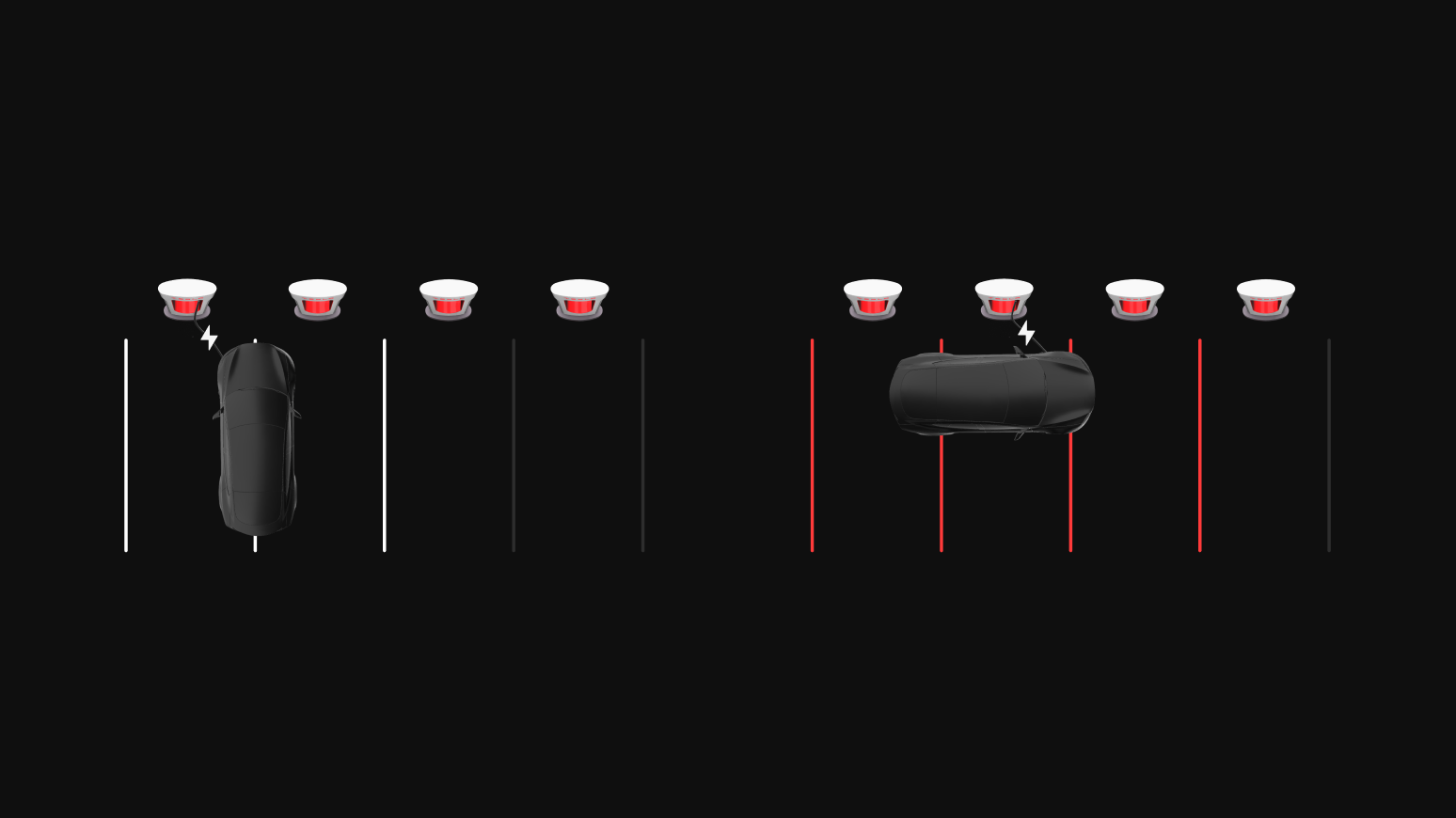
A Supercharging Membership allows EV owners to Supercharge at the same price as Tesla vehicle owners when using the Tesla app. You do not need a Supercharging Membership for your Tesla vehicle. However, if you own a Tesla vehicle and an EV made by another manufacturer, you will need a Supercharging Membership to Supercharge your other EV at the Tesla vehicle price.
Note: You do not need to purchase a membership for each vehicle.
To sign up for a Supercharging Membership in the Tesla app, follow these steps.
- Open the Tesla app.
- Tap the menu in the top-right corner.
- Tap ‘Charging.’
- Tap ‘Membership.’
- Tap ‘Join Now.’
Once you sign up for a Supercharging Membership, a monthly membership fee will be charged to your designated Supercharging payment method. Tesla vehicle pricing will then be applied to all your Supercharging sessions when using the Tesla app at select sites.
The monthly membership fee is non-refundable, and you are able to cancel your Supercharging Membership at any time.
To cancel a Supercharging Membership, follow these steps:
- Open the Tesla app.
- Tap the menu in the top-right corner.
- Tap your name.
- Tap ‘Charging.’
- Tap ‘Membership.’
- Tap the ‘Cancel’ button.