Tesla Powershare

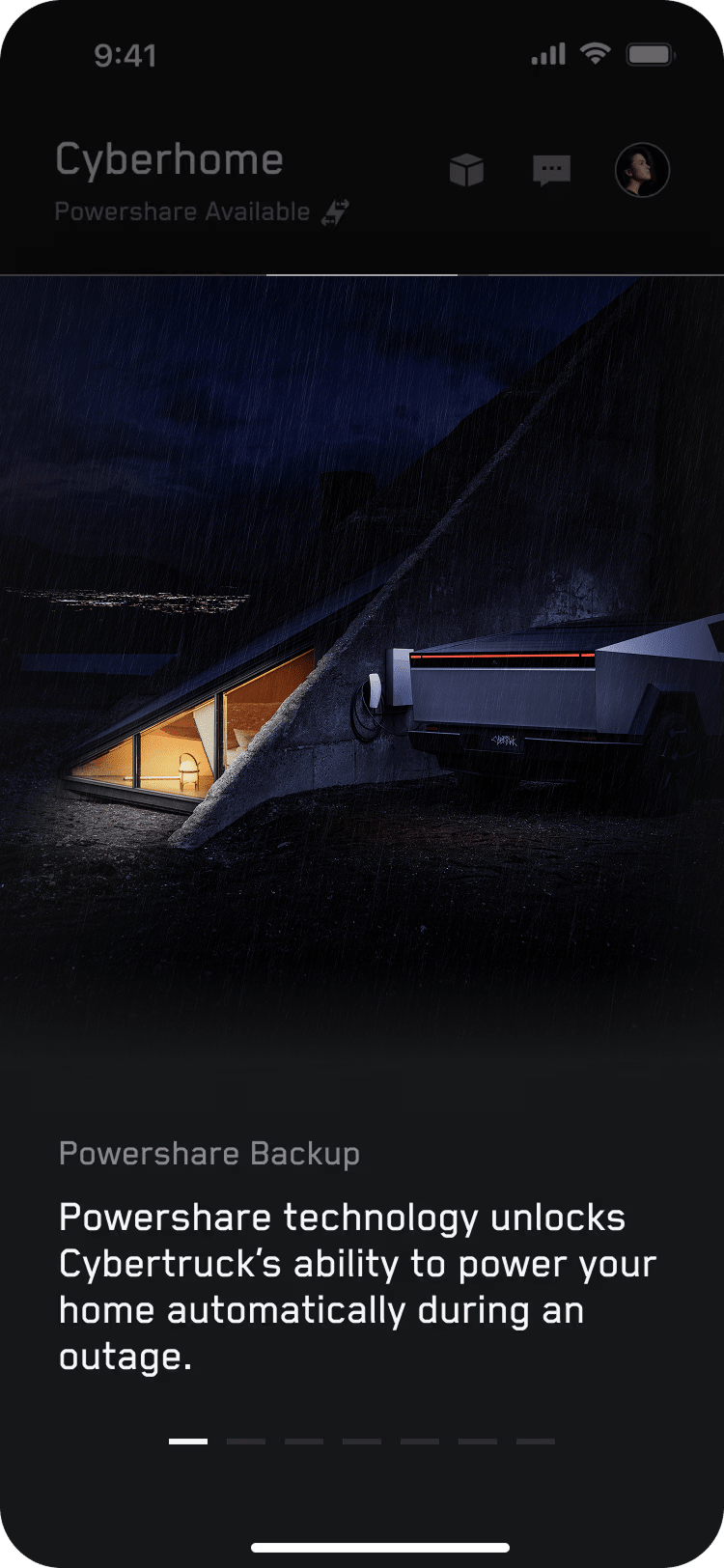
Tesla Powershare technology unlocks your Cybertruck battery’s ability to provide power through the onboard outlets or the charge port. With Powershare, Cybertruck owners can power electronic devices, electric vehicles and their homes during a power outage using energy from their Cybertruck.

Powershare Capabilities

Power on the Go

With Powershare, you can power electronic devices or tools using your Cybertruck.

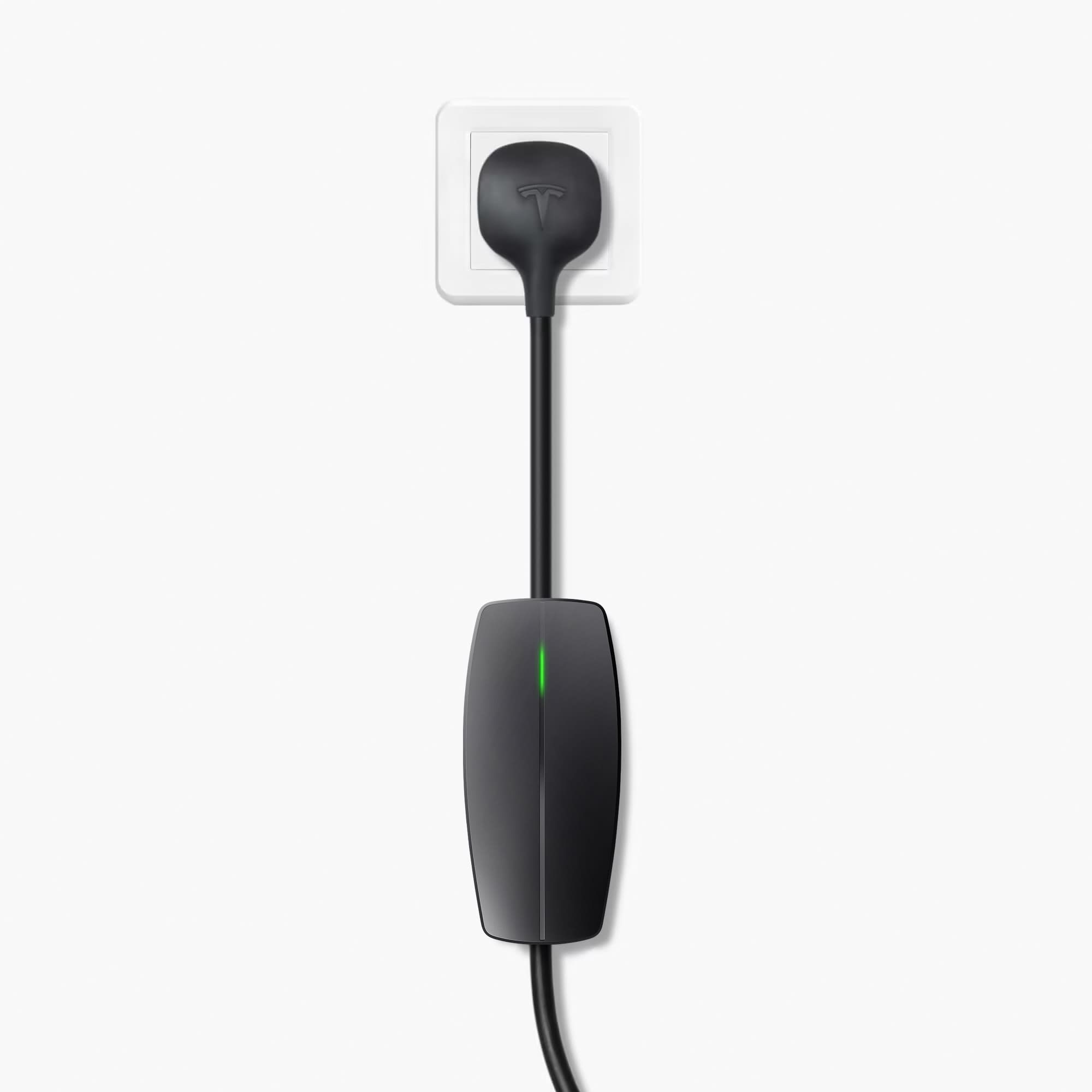
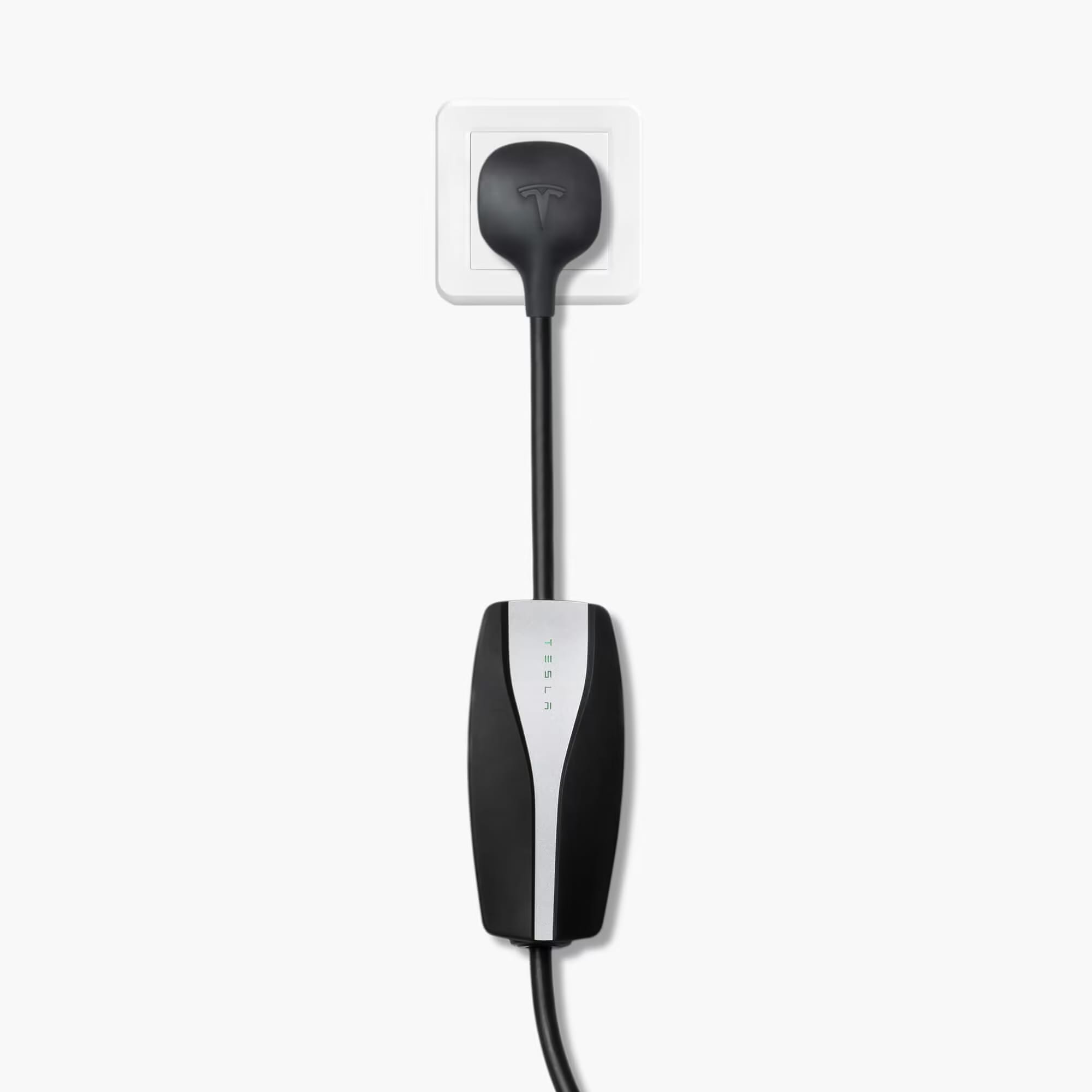
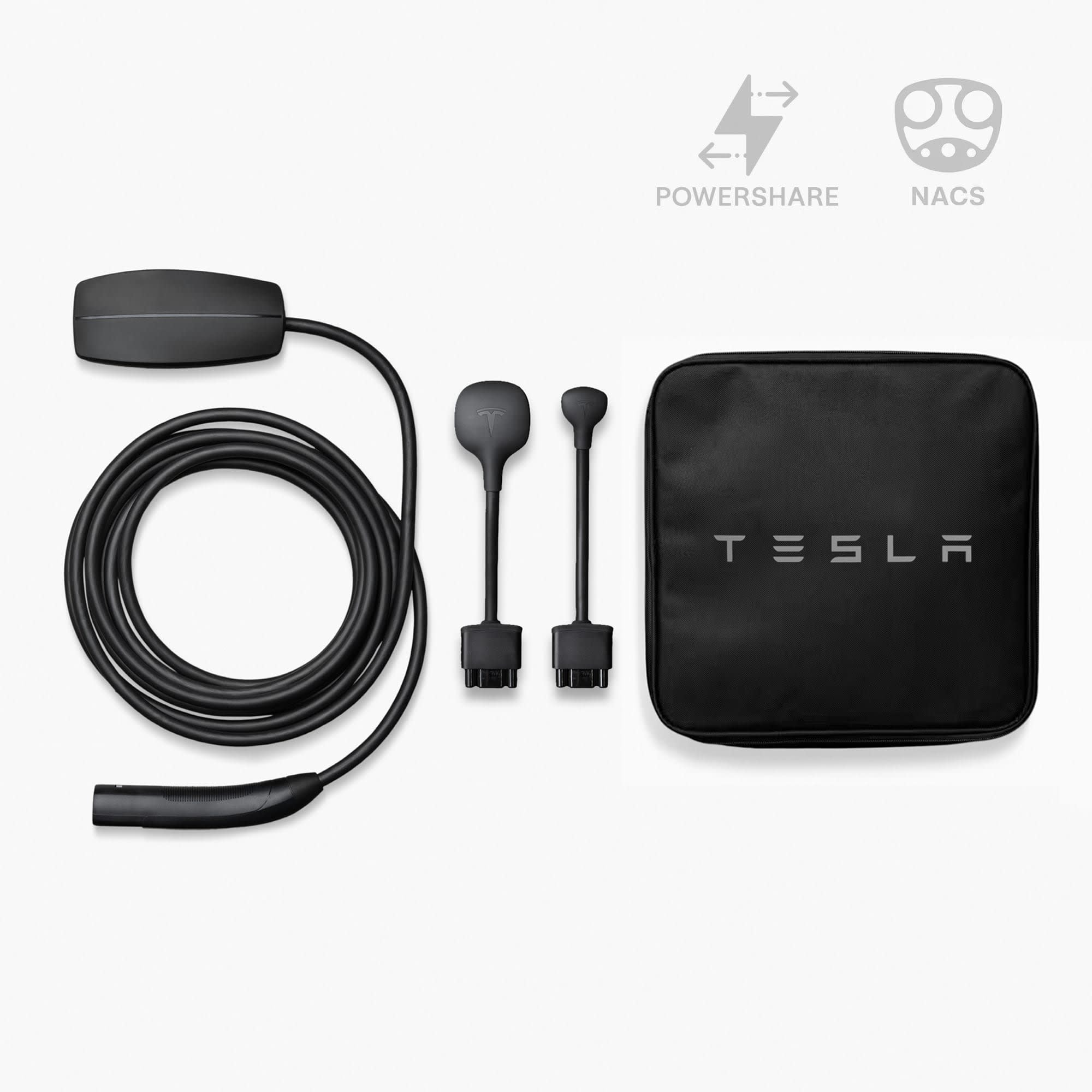
Using a Mobile Connector and Powershare Outlet Adapter, you can transform your vehicle’s charge port into an outlet.

Alternatively, Cybertruck All-Wheel Drive and Cyberbeast vehicles are equipped with two 120 V outlets (up to 20A) and one 240 V outlet (up to 40A) in the cargo bed and two 120 V outlets (up to 20A) in the cabin.

All outlets together can supply up to 9.6kW.

Charge Other EVs

Powershare allows you to charge other electric vehicles with up to 9.6 kW of power by plugging into the outlets on your Cybertruck.

Cybertruck All-Wheel Drive and Cyberbeast vehicles can use the 240 V outlet in the cargo bed.

Home Backup

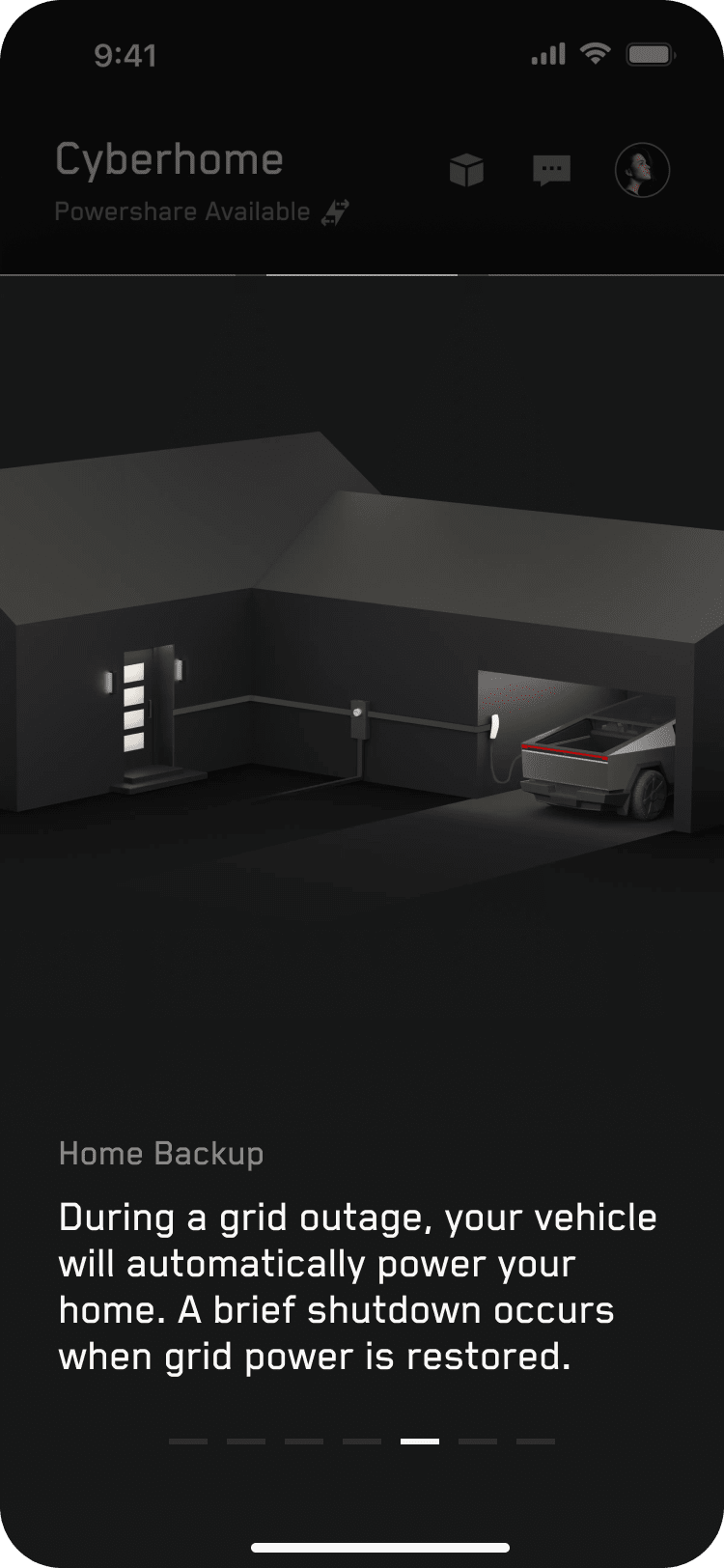
With Powershare, your Cybertruck can automatically provide backup power to your home with up to 11.5 kW of power for up to three days.1 When paired with a solar system, you can extend your backup duration by powering your home and charging your Tesla vehicle through an outage. Powershare Home Backup can detect an outage and start providing power within one minute without noise, emissions or maintenance.

Powershare Home Backup

One App

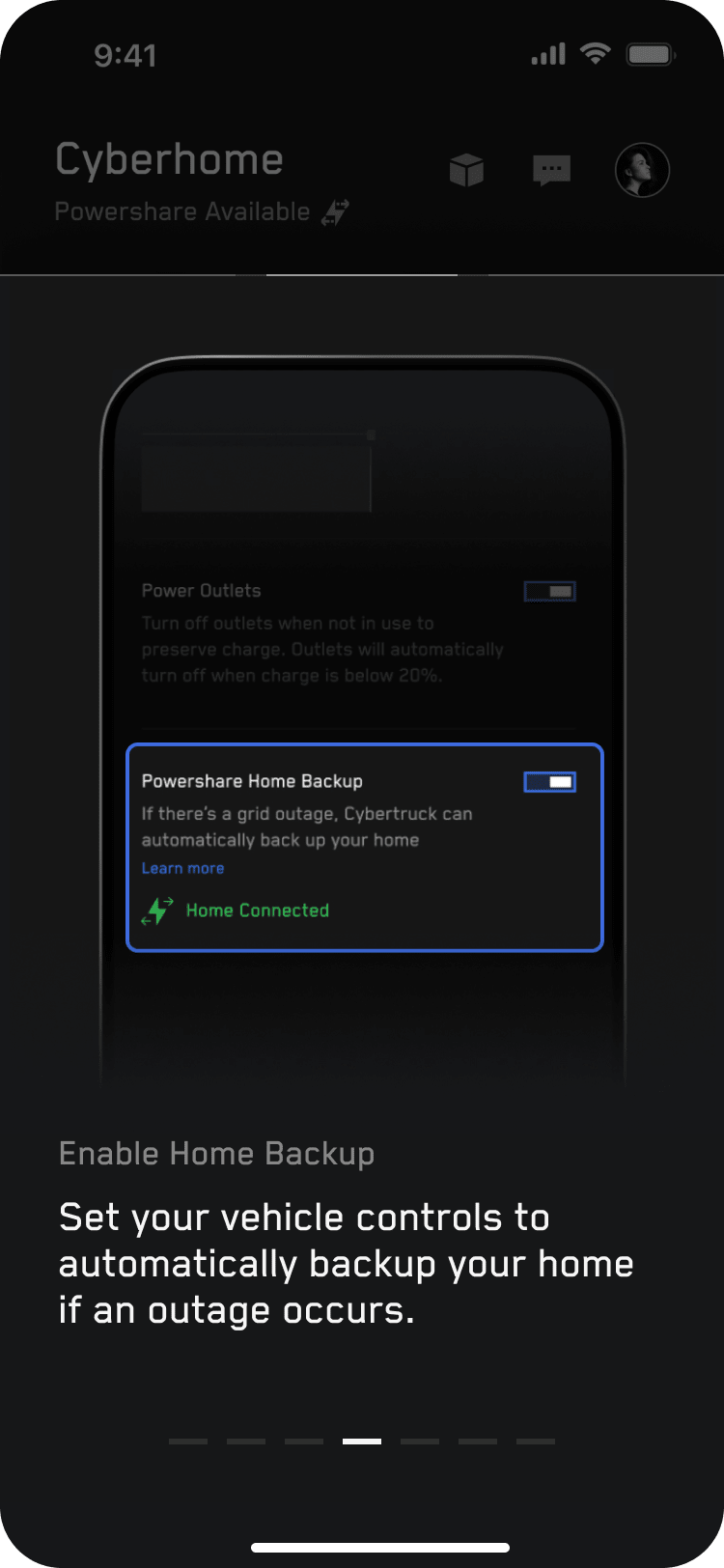
Use the Tesla app to learn about your Powershare Home Backup system and walk through the required hardware. To enable Powershare, open your vehicle control settings in the Tesla app.
Go Off-Grid

When Go Off-Grid is enabled in the Tesla app, your Powershare Home Backup system disconnects your home from the grid. Become familiar with how the Powershare Home Backup system operates during a power outage to keep your home running.

Learn more about Go Off-Grid.

Energy Data

The Tesla app provides insight into your home's energy usage. The energy graphs help you understand your energy data over time and maximize the benefits of your renewable energy at home. With Powershare, you can also see how much your vehicle is charging from solar or the grid and how much your vehicle is discharging to your home.

Learn more about energy data.

Required Equipment for Powershare Home Backup

For Customers Without Powerwall

For homes not equipped with Powerwall, a Universal Wall Connector and Powershare Gateway will be required to use Powershare Home Backup.2 You can purchase Powershare equipment from the Tesla Shop.

If you are adding a Powerwall to your home, we recommend installing Powerwall first to avoid any additional hardware and installation costs later. Powerwall upgrades your home to an instant, seamless backup solution that can maximize the value of your solar system and ensure your home is prepared for severe weather events. Solar panels add the ability to generate your own electricity and further increase your independence from the grid and utility costs.

Universal Wall Connector

Universal Wall Connector enables bi-directional charging, allowing Cybertruck to either charge or power the home during an outage when plugged in.

Powershare Gateway

Powershare Gateway controls connection to the grid, automatically detects outages and transitions to backup power within one minute.

For Customers With Powerwall

If your home is equipped with Powerwall and home charging, you do not require any additional equipment. Powershare Home Backup functionality with Powerwall is coming soon through an over-the-air update.

Our preferred home charging solution is the Wall Connector or the Universal Wall Connector on a 240 V circuit. The home charging system must be backed up by Powerwall to enable Home Backup.

For Customers With Solar

If your home is equipped with a solar system and you don’t already have a Powerwall, a Universal Wall Connector and Powershare Gateway are required to use Powershare Home Backup2.

Note: If you are turning your main breaker off to test your Powershare Home Backup, or for any other reason, turn your solar breakers off before doing so. Failure to do so may result in damaged home loads.

Order and Installation Process

Here’s what you can expect:

  1. You will need to purchase Powershare equipment from the Tesla Shop.
  2. If your home is eligible and you are interested in installing a Powershare Home Backup, you can contact a Tesla Certified Installer and sign an installation agreement to have your Powershare Home Backup equipment installed. Contact a Certified Installer to request a quote or get started with Qmerit, our current national provider. Installation cost depends on the installation configuration and complexity.
  3. Once you have signed an installation agreement with a Tesla Certified Installer, purchase your Powershare Home Backup equipment.
  4. After receiving your Powershare Home Backup equipment, coordinate with the Certified Installer for installation. After permitting is finalized, installation typically takes one day. If required, the installer will coordinate final inspection with the local permitting department.

Note: If you ordered a Foundation Series Cybertruck, review what to expect on your order and installation process.

Frequently Asked Questions
Powershare Home Backup Eligibility Show All Hide All
Eligibility for Foundation Series Cybertruck Show All Hide All
Ordering and Using Powershare Show All Hide All

1 Estimate based on 30 kWh energy use per day. Results may vary based on your actual energy use. 11.52 kW is maximum power.

2 Powershare equipment requirements and related promotional offerings, including voucher amounts, are subject to change.