Powerwall 3 With Non-Backup Configuration
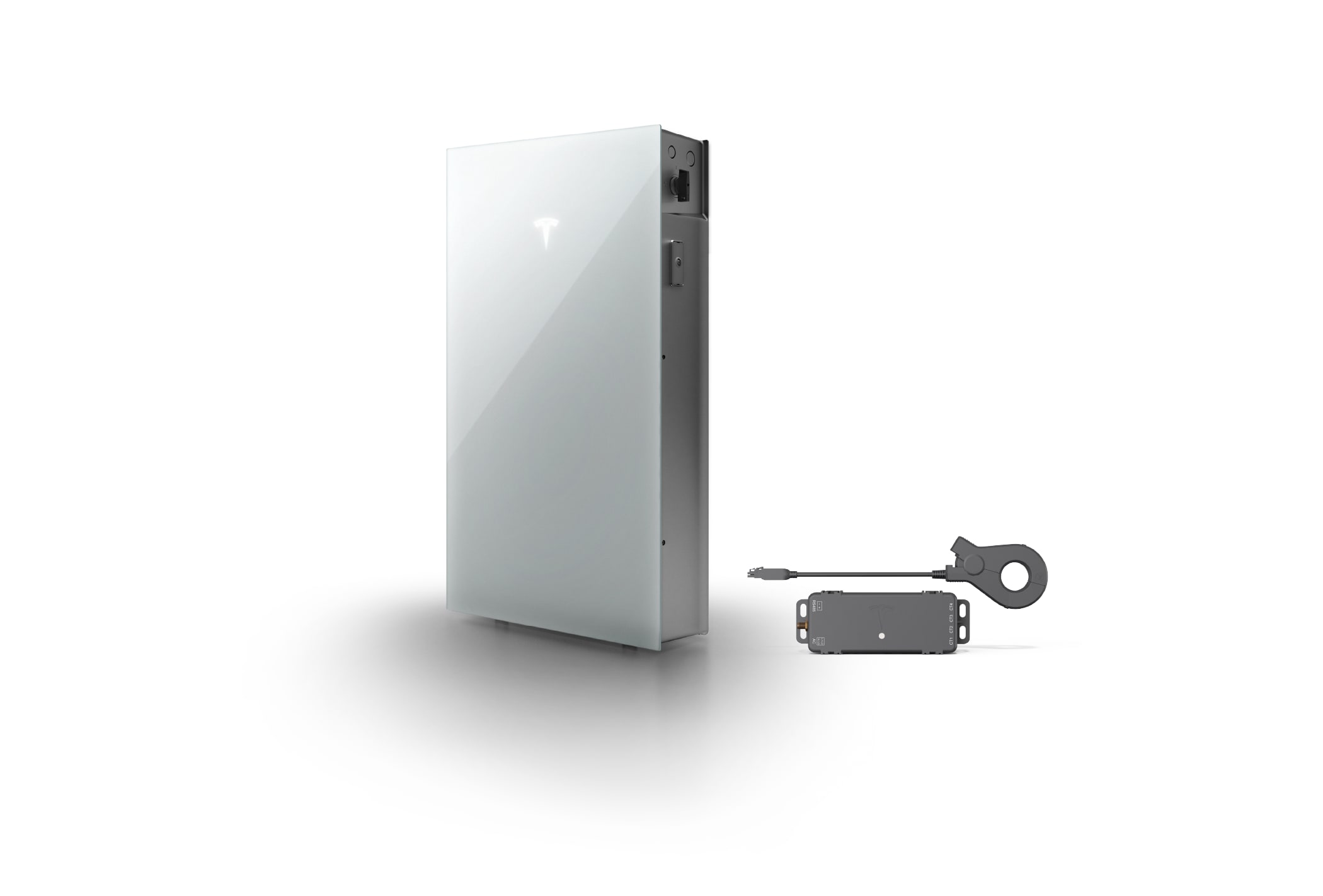
Powerwall 3 can be installed in a Non-Backup configuration, lowering installation costs and benefitting those who live in areas with reliable grids.
Powerwall 3 with Non-Backup configuration is designed to give homeowners more flexibility and a lower-cost path to energy independence. Whole home backup has been a standard feature of Powerwall, helping homes stay powered during outages, but not every homeowner needs backup functionality right away.
This configuration replaces the Backup Gateway with Tesla Remote Meter, delivering:
- Faster, simpler, easier installations
- Lower upfront cost for homeowners
- Option to upgrade to whole home backup later
When the grid is active, Powerwall 3 with Non-Backup configuration powers your home using stored solar or grid energy, even at night when solar panels aren’t producing. You can also export stored energy to the grid during peak pricing periods, maximizing your energy savings. Customize how your energy is used through the Tesla app while the Tesla Remote Meter monitors power flow to and from your home.
Note: During grid outages or loss of AC supply, Powerwall 3 with Non-Backup configuration will not provide backup power.
Powerwall 3 Non-Backup With Solar
Direct Solar Connection: If your solar panels are directly connected to Powerwall 3, your Powerwall will continue charging from solar energy during a grid outage, though your Powerwall won’t power your home.
Third-Party Inverter Connection: If your solar panels are connected using a third-party inverter, Powerwall 3 with Non-Backup configuration will neither charge from solar nor provide backup power during an outage.
Powerwall 3 Non-Backup Without Solar
Even without solar panels, you can take control of your energy costs. Charge Powerwall 3 with Non-Backup configuration during low-price grid periods and use the stored energy when prices spike to unlock daily savings on your energy bills.
With Backup vs. Non-Backup
Non-Backup makes owning Powerwall more affordable while still providing the key features that increase your energy independence and savings. Use the tables below to explore which features are available for Backup and Non-Backup system configurations.
| Mode | Powerwall 3 With Backup | Powerwall 3 Non-Backup |
|---|---|---|
| Self-Powered | ||
| Time-Based Control | ||
| Backup Reserve |
| Features | Powerwall 3 With Backup | Powerwall 3 Non-Backup |
|---|---|---|
| Utility Rate Plans | ||
| Go Off-Grid |
Upgrade to Backup
You can upgrade to have backup functionality by installing Backup Gateway between Powerwall 3 and the grid. It allows Powerwall 3 to detect power outages and automatically provide backup power.